

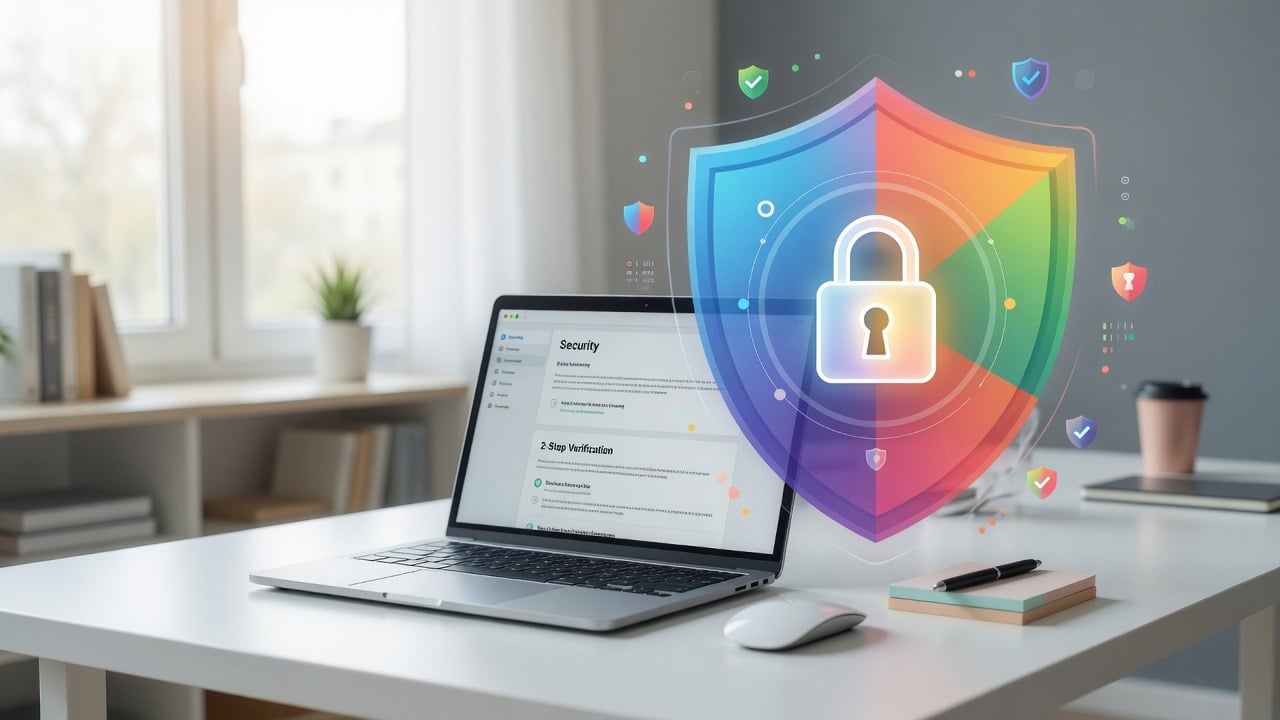
Your Google account is often the master key to email, files, photos, calendar, and the password reset path for half your other apps. If an attacker gets in, they can hold the rest of your digital life hostage.
Use this checklist as a stand-alone handout for owners, staff, and family members who help with the business. You can complete most of it in under 30 minutes.
Why this matters right now
Credential theft still starts with reused passwords, MFA fatigue, and “verify your account” phishing pages that look nearly perfect. Businesses that run Google Workspace (or personal Gmail used for work) should treat account security as infrastructure—not a once-a-year cleanup.
Best practices checklist
1. Turn on 2-Step Verification (MFA)—preferably a phishing-resistant method. Google’s official guide: Turn on 2-Step Verification. Prefer security keys or passkeys over SMS when you can.
2. Use a unique, long password stored in a password manager. Do not reuse the Google password anywhere else.
3. Review security activity. Open myaccount.google.com/security and check devices, recent sign-ins, and critical alerts. Sign out anything you do not recognize. Also run Security Checkup.
4. Audit third-party app access. Remove old OAuth apps you no longer use. Attackers love forgotten “sign in with Google” grants.
5. Set recovery options you control. Update recovery email and phone. Make sure a former employee’s phone is not still listed.
6. For Google Workspace admins: enforce MFA organization-wide, limit super-admin accounts, require strong session controls, and review external sharing defaults for Drive.
7. Watch for fake Google login pages. Always check the address bar. Prefer bookmarks for admin consoles instead of links in email.
Quick “something feels wrong” response
- Change your password from a known-clean device
- Sign out of all sessions
- Revoke app access you do not recognize
- Check filters/forwarding rules for sneaky mail redirects
- Call IT before you pay any “account recovery” ransom email
Official Google resources
SabatAge helps businesses lock down Google Workspace and layered security. Questions? Get Your Fix or call (845) 475-8468.
Comments are closed