

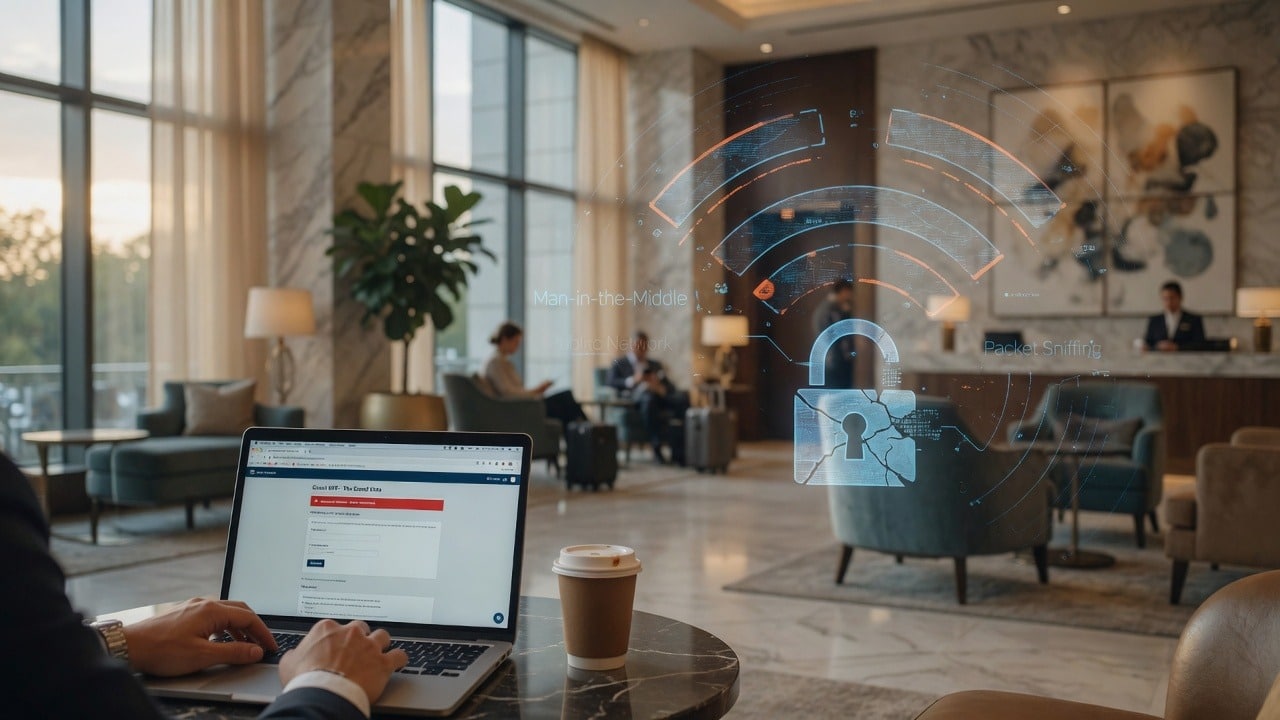
Business travel and hotel Wi-Fi are convenient—and a favorite hunting ground for credential theft. Attackers have abused compromised networks and fake login pages to steal Microsoft 365 credentials that look authentic on a phone or laptop browser.
Harden accounts before you travel: Microsoft account security, two-step verification for Microsoft accounts, and for Google users Google Account Security with 2-Step Verification.
What can go wrong on hotel Wi-Fi
- Captive portals that ask you to “sign in with Microsoft” a second time
- DNS hijacking that sends microsoft.com-looking traffic to a fake page
- Shared networks where other guests can probe your device
- Auto-connecting devices that rejoin hostile SSIDs later
How to stay safer on the road
1. Prefer your phone hotspot for email and banking when practical.
2. Use a reputable business VPN provided by your company before opening mail or cloud docs on public Wi-Fi.
3. Type known URLs or use bookmarks for Microsoft 365 and Google—do not click “login” buttons inside captive portal pages unless you know they are the hotel’s only network gate. Official Microsoft security overview for small business: Secure your business data.
4. Keep MFA on so a stolen password alone is less useful (CISA MFA guidance).
5. Avoid “remember this network” on random SSIDs. Forget hotel networks when you leave.
6. Watch for unexpected password prompts right after joining Wi-Fi. When in doubt, stop and use cellular.
Official resources
- Microsoft account security
- Microsoft two-step verification
- Secure your business data (Microsoft 365)
- Google Account Security
- CISA: Turn on MFA
Traveling team members need practical security, not lectures. Talk to SabatAge about layered security and managed endpoints: contact or (845) 475-8468.
Comments are closed