

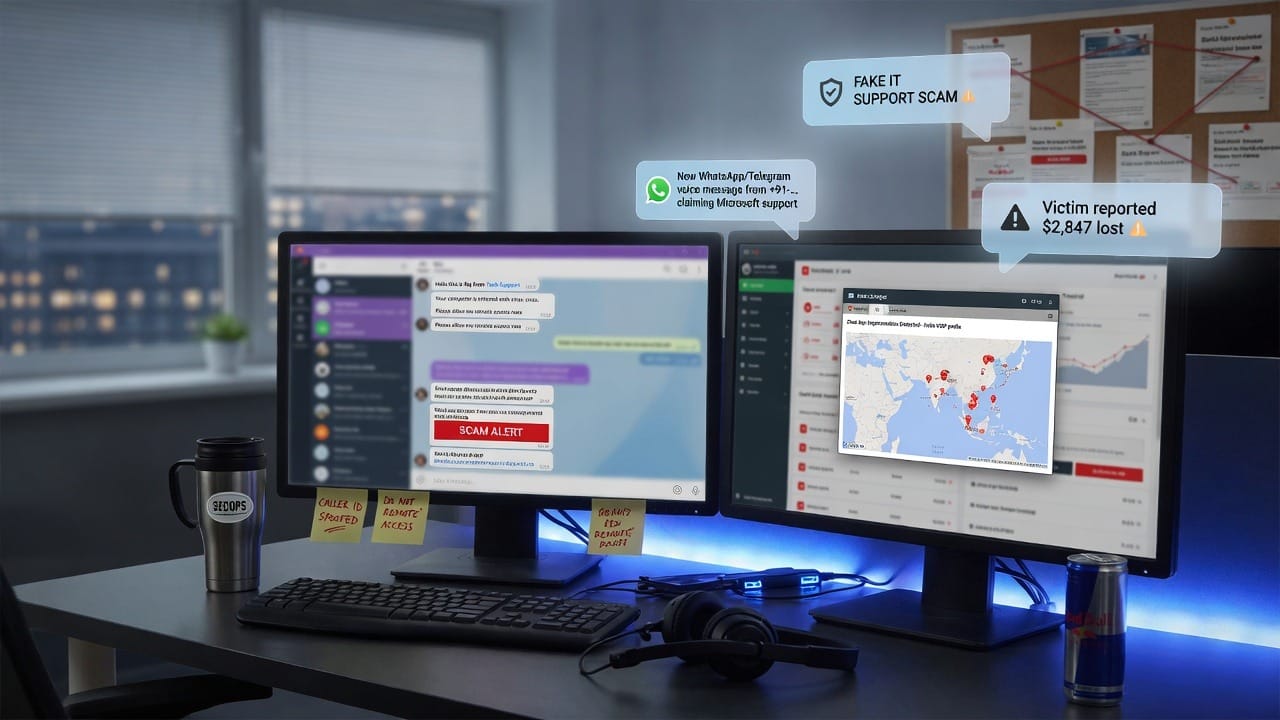
A growing social-engineering pattern: someone messages you on Microsoft Teams (or another chat tool) claiming to be IT support, then pushes a remote tool, a “security update,” or a login page.
For how Microsoft thinks about Teams security and compliance controls, start with Microsoft Learn: Teams security and compliance overview. Your company process still matters more than any single product setting.
Why chat scams work
- Teams feels “internal,” so people drop their email skepticism
- Urgency (“your account will be locked in 10 minutes”)
- Callers or chatters use help-desk language and ticket numbers
- Employees want to be helpful and resolve issues quickly
How to spot fake IT support
Red flags
- Unsolicited chat from someone you do not normally work with
- Pressure to install remote-control software immediately
- Requests for your password, MFA codes, or “screen share so I can enter credentials”
- Links to odd domains for “password reset” or “compliance training”
- Slightly off display names (extra letters, look-alike characters)
What to do instead
- Hang up / end the chat and contact IT through a known channel (help desk portal, published phone number, or your MSP)
- Never read MFA codes aloud to anyone
- Do not install remote tools from chat links unless your IT process already started a ticket with you
- Report the chat to security so other staff can be warned
Policy tip for owners
Publish a one-page rule: IT will never ask for your password or MFA code in chat. Train reception and finance first—they are high-value targets.
Related official resources
- Microsoft Learn: Teams security & compliance overview
- Microsoft account security
- Microsoft two-step verification help
- CISA: Recognize and Report Phishing
If your team needs clearer remote support processes, SabatAge can help. Remote support · Contact us · (845) 475-8468.
Comments are closed