
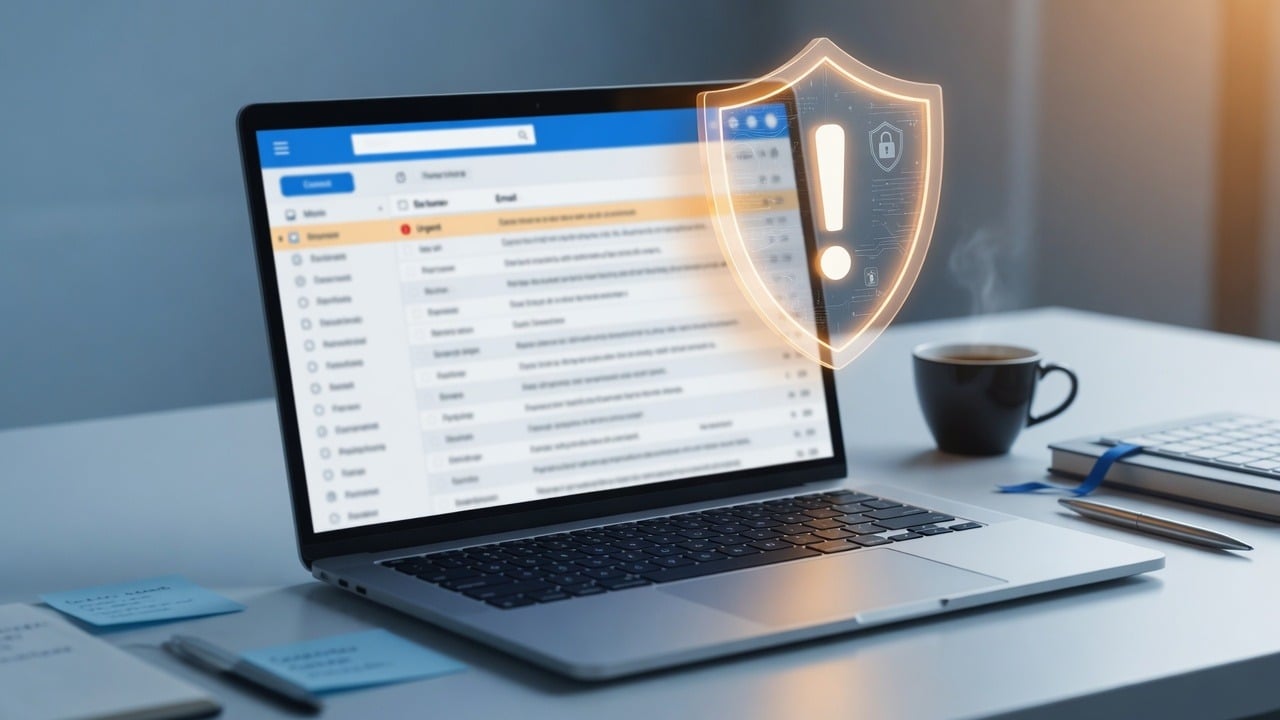
Phishing is still the most common way business accounts get taken over. The email looks almost right—logo, urgency, a familiar brand—and the goal is simple: get you to enter a password, approve an MFA prompt, or open a malicious file.
Red flags employees should know
- Unexpected urgency: “Your account will be closed in 1 hour”
- Slightly wrong domains (rnicrosoft.com, g00gle.com, extra words in the address)
- Requests for wire transfers, gift cards, or password “verification”
- Links that do not match the claimed brand when you hover (on desktop)
- Attachments you were not expecting (invoices, “shared docs,” zip files)
What to do instead of clicking
- Open the real site by typing the address or using a bookmark—not the email link
- Call the person who “sent” an urgent money request using a known phone number
- Report suspicious mail with your email client’s report-phishing tools
- If you already clicked or entered a password, change it from a clean device and tell IT immediately
Business controls that reduce phishing damage
- Multi-factor authentication on email and admin portals
- Advanced email filtering and safe-link policies where available
- Least-privilege admin accounts (daily work is not done as Domain Admin)
- Short security reminders for staff—not a once-a-year slideshow
For a deeper public overview, see the FTC’s guidance on phishing: How to recognize and avoid phishing scams.
Related reading on our site: Two-factor authentication and layered security.
Need help putting this into practice for your business? Contact SabatAge or call (845) 475-8468. We support Hudson Valley and Orange County businesses with practical security and managed IT.
No responses yet