

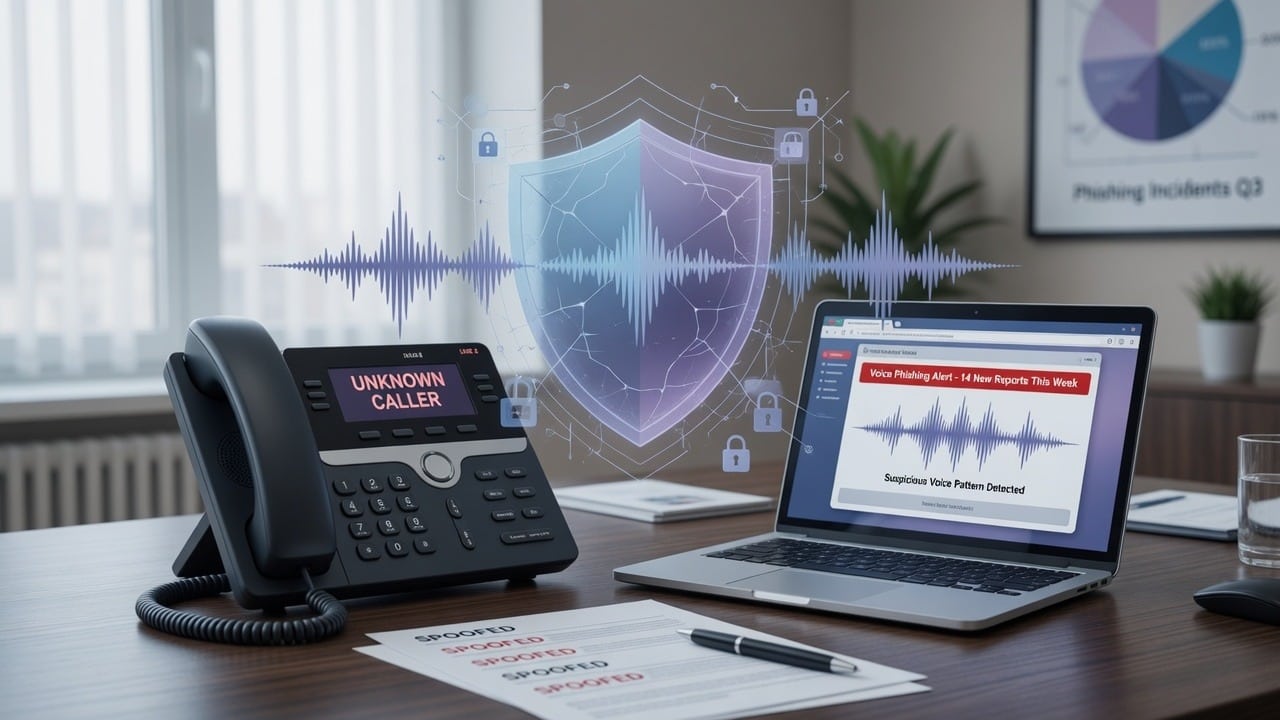
Email filters have improved. Attackers noticed. Voice phishing—vishing—uses phone calls (sometimes paired with texts or a prior email) to trick employees into sharing codes, approving MFA prompts, or granting remote access.
Treat vishing as social engineering, not a “phone problem.” CISA’s guidance on recognizing phishing and turning on MFA still applies—plus a hang-up-and-call-back rule.
Common vishing scripts
- “This is Microsoft / your IT provider—we see a charge, confirm your identity.”
- “Your MFA is broken; read me the code on your phone.”
- “Help me reset the boss’s email; I’m with the vendor on the other line.”
- Callback numbers that look local but route to scammers
How to defeat vishing
- Never read MFA codes to a caller—even if they sound official
- Hang up and call back using a number from your vendor contract or IT runbook
- Prefer phishing-resistant MFA where possible (passkeys, security keys; Microsoft: two-step verification help)
- Train finance and reception first—they answer the phone all day
- Document a verification phrase or ticket process for true emergencies
If someone already shared a code
Treat it as a compromised account: reset password, revoke sessions, review MFA methods, check mail rules, and notify IT immediately. Start at account.microsoft.com/security or myaccount.google.com/security depending on the account type.
Official resources
- CISA: Recognize and Report Phishing
- CISA: Turn on MFA
- FTC: Avoid phishing scams
- Microsoft account security
- Google Account Security
Want a short staff training plus technical MFA hardening? SabatAge can help. Contact · (845) 475-8468 · Hudson Valley and remote-capable support.
Comments are closed