

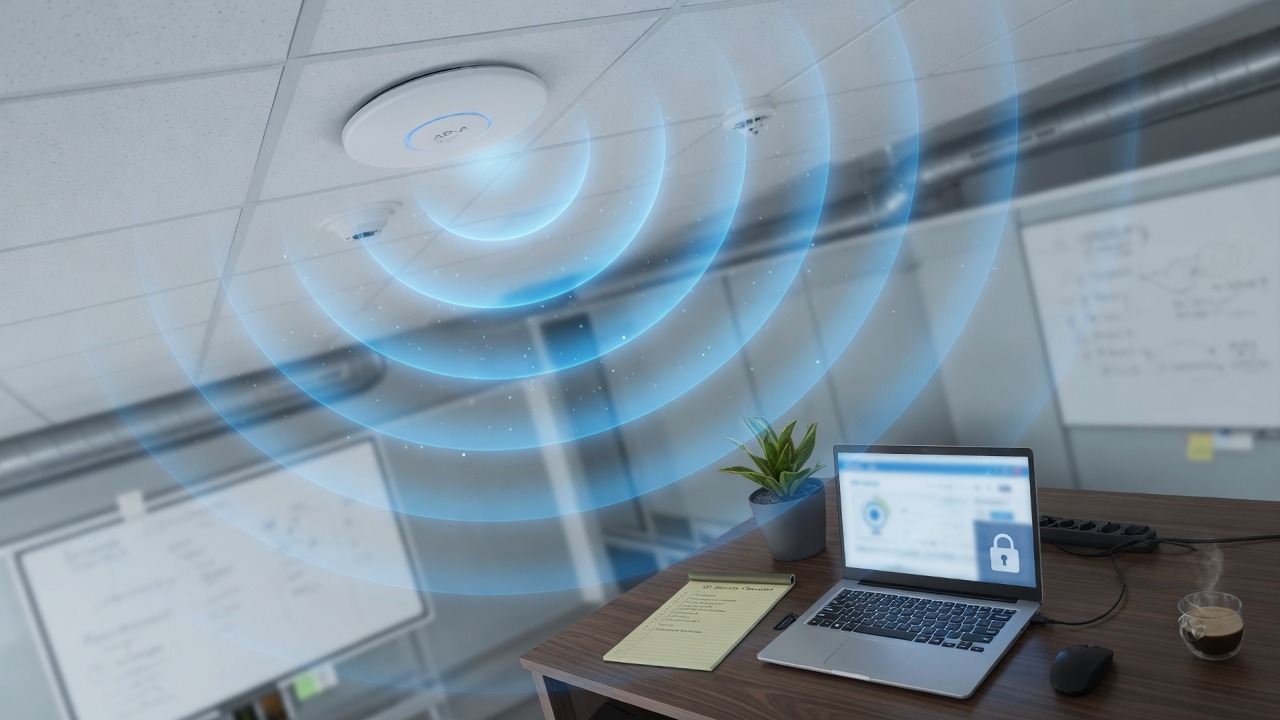
Business Wi‑Fi is not “set the password in 2019 and forget it.” Guest devices, smart TVs, and staff phones all share airtime—and a weak wireless setup can become a bridge into your file servers and accounting PC.
Baseline Wi‑Fi hygiene
- Use WPA2‑Enterprise or at least WPA3/WPA2‑Personal with a strong unique passphrase—never open networks for business traffic
- Separate guest Wi‑Fi from corporate Wi‑Fi so visitors cannot reach servers
- Change default admin passwords on routers, firewalls, and access points
- Disable remote admin from the internet unless it is behind VPN and MFA
- Keep access point and firewall firmware updated
Signs your Wi‑Fi needs a redesign
- Dead zones that force people onto phone hotspots
- One consumer mesh router trying to cover a whole floor plan
- Staff share the same Wi‑Fi password with every contractor forever
- No visibility into which devices are online
For modern small business networks we often recommend purpose-built gear with central management—see network infrastructure and our post on what makes UniFi networking different.
Need help putting this into practice for your business? Contact SabatAge or call (845) 475-8468. We support Hudson Valley and Orange County businesses with practical security and managed IT.
No responses yet