

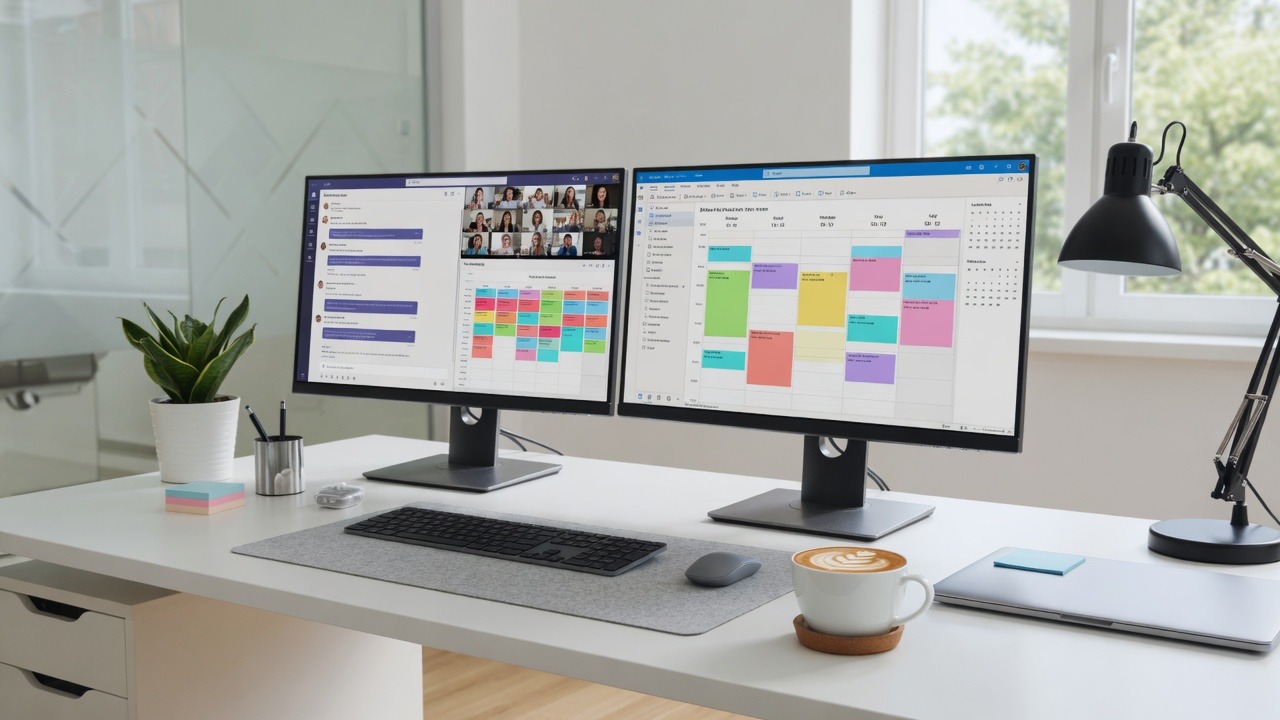
Microsoft 365 and Google Workspace can either cut chaos or multiply tabs. The difference is not which logo you bought—it is whether people know the default place for files, chat, and tasks so “where is the latest version?” stops eating your mornings.
Pick defaults and write them down
- Files live in SharePoint/OneDrive or shared Drive—not desktop folders named FINAL_v7
- Chat for quick questions; email for external and formal decisions
- Calendar holds the truth for meetings—no dual booking in three apps
- One password manager for shared vendor logins
Habits that reclaim hours each week
- Search first, then ask—train people to use built-in search
- Mute noisy channels; schedule focus blocks on the shared calendar
- Kill duplicate tools (three project boards for one five-person team)
- Quarterly cleanup: archive dead Teams/Drive folders
Microsoft’s productivity guidance for Teams and Microsoft 365 is in Microsoft 365 documentation. Google’s Workspace learning center: Google Workspace Learning Center.
When sprawl becomes an IT problem, we can help with Google Workspace, proactive maintenance, and clearer standards.
Need help putting this into practice for your business? Contact SabatAge or call (845) 475-8468. We support Hudson Valley and Orange County businesses with practical security and managed IT.
Habits that compound
Most time loss in M365 and Google Workspace is not missing a feature—it is messy sharing, duplicate files, and notifications that train people to ignore important alerts. Fix the environment so good habits are the easy path.
- One shared drive structure with owners, not personal desktop silos
- Naming conventions for client folders
- Calendar and focus time rules for leadership
- Quarterly permission cleanup on shared drives
If you want this handled end-to-end—not as another checklist on a shelf—talk to SabatAge Fully Managed IT or call (845) 475-8468. We support Hudson Valley and Orange County businesses with monitoring, security, and practical guidance.
Kill notification noise
If every channel pings all day, people miss the one alert that matters—like a security notice or billing failure. Standardize which apps may send push notifications and which should stay email-only. Quieter tools improve both focus and security response.
No responses yet