

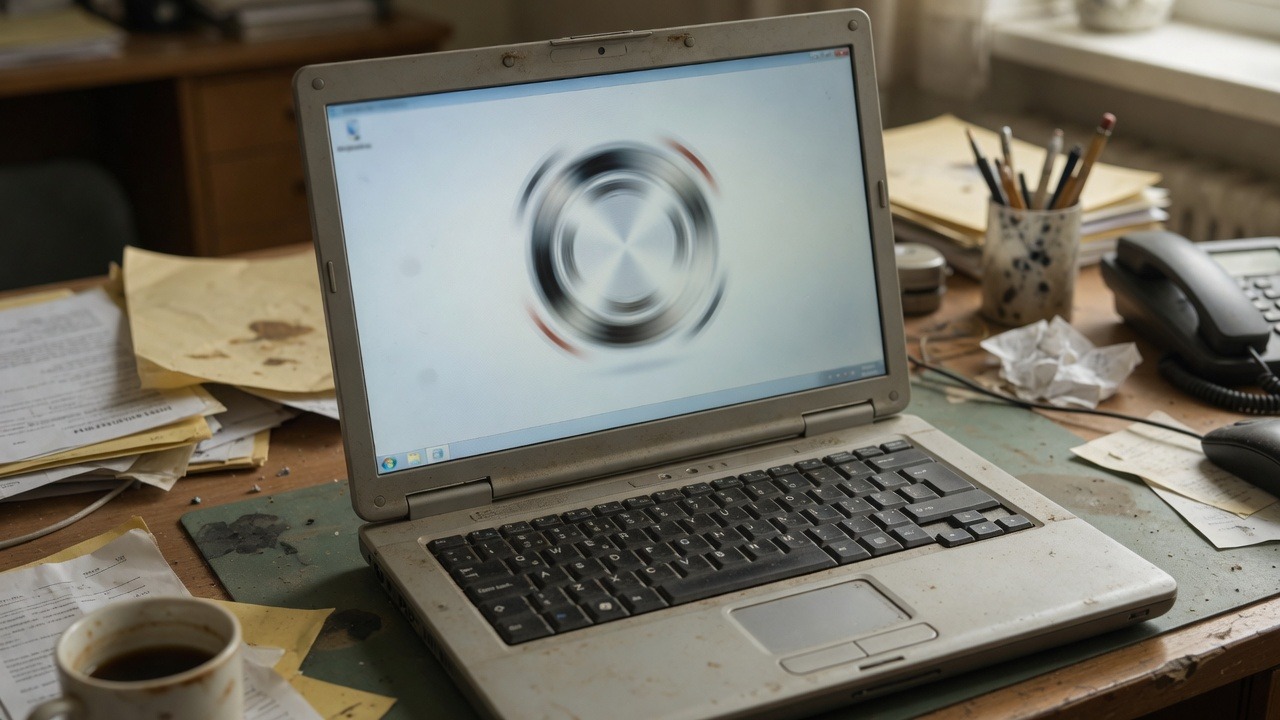
Slow computers are a management problem dressed up as a hardware problem. Sometimes you need new laptops. Often you need disk space, fewer startup apps, current drivers, and a policy that stops everyone installing “just one toolbar.”
Quick wins before you buy hardware
- Free disk space (updates and browsers choke on full SSDs)
- Remove unused browser extensions and startup junk
- Confirm Windows and browser updates are applying
- Check that endpoint protection is not stuck in a scan loop
- Move giant personal media off business machines
When it really is time to replace
- Hard drive (HDD) machines still in daily use—SSDs change the feel of a PC
- 8 GB RAM struggling with modern browsers + Teams/Zoom + line-of-business apps
- Devices too old for security updates
- Laptops that thermal-throttle under light meetings all day
Microsoft documents performance troubleshooting for Windows at Windows support. Pair speed with security via regular proactive maintenance.
Planning a refresh for an office full of aging boxes? See fully managed IT or contact SabatAge.
Need help putting this into practice for your business? Contact SabatAge or call (845) 475-8468. We support Hudson Valley and Orange County businesses with practical security and managed IT.
Fix order that usually works
Start with disk space and startup programs, then browser extensions, then age of the hardware. Throwing RAM at a failing drive wastes money. If the machine is five-plus years old and critical to revenue, plan replacement alongside cleanup.
- Check disk health and free space first
- Remove unused startup apps and leftover remote-support tools
- Update Windows, browsers, and Office/Workspace apps
- Confirm endpoint protection is healthy—not stuck mid-update
If you want this handled end-to-end—not as another checklist on a shelf—talk to SabatAge Fully Managed IT or call (845) 475-8468. We support Hudson Valley and Orange County businesses with monitoring, security, and practical guidance.
When to replace instead of repair
If a PC needs a new drive, more memory, and still cannot run current Office or browser security features, replacement is usually cheaper than repeated break/fix time. Track age and failure history so you refresh hardware on a schedule, not during a crisis.
No responses yet